Onboarding

We’re excited to partner to help more animals find loving forever homes.

As we begin this journey together, we would like to take a few minutes to introduce you to our project methodology. This is very much a collaborative effort.
We cannot launch your new site without your input.
Our typical launch timeline is 4 weeks. Want to launch more quickly? No problem, let us know and we can speed up. Don’t forget, we each have tasks and the quicker you complete your tasks, the shorter the timeline.

Our typical workflow is below. We say typical because we will adjust as you need.

Website

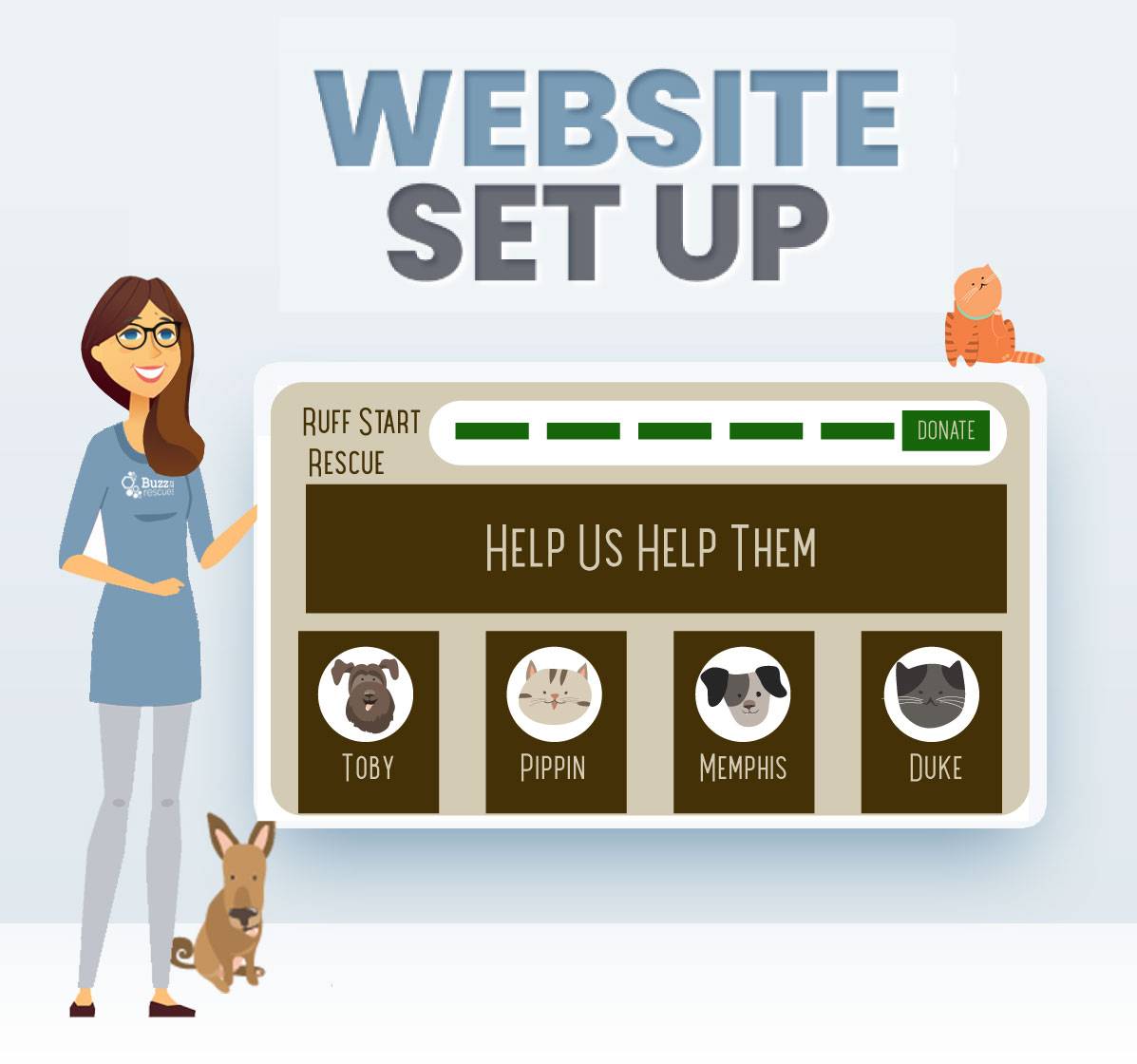
Use one of our many templates or use your own design.

Your Rescue Coach will create the shell of your site, add your logo, colors and fonts. We will teach you how to edit the site (HINT: Its super easy). You will have access to the site throughout the onboarding process.

We have an entire library of 30 pages chock full of content that is available to you. Use what you like and delete what you don't.

website

Applications

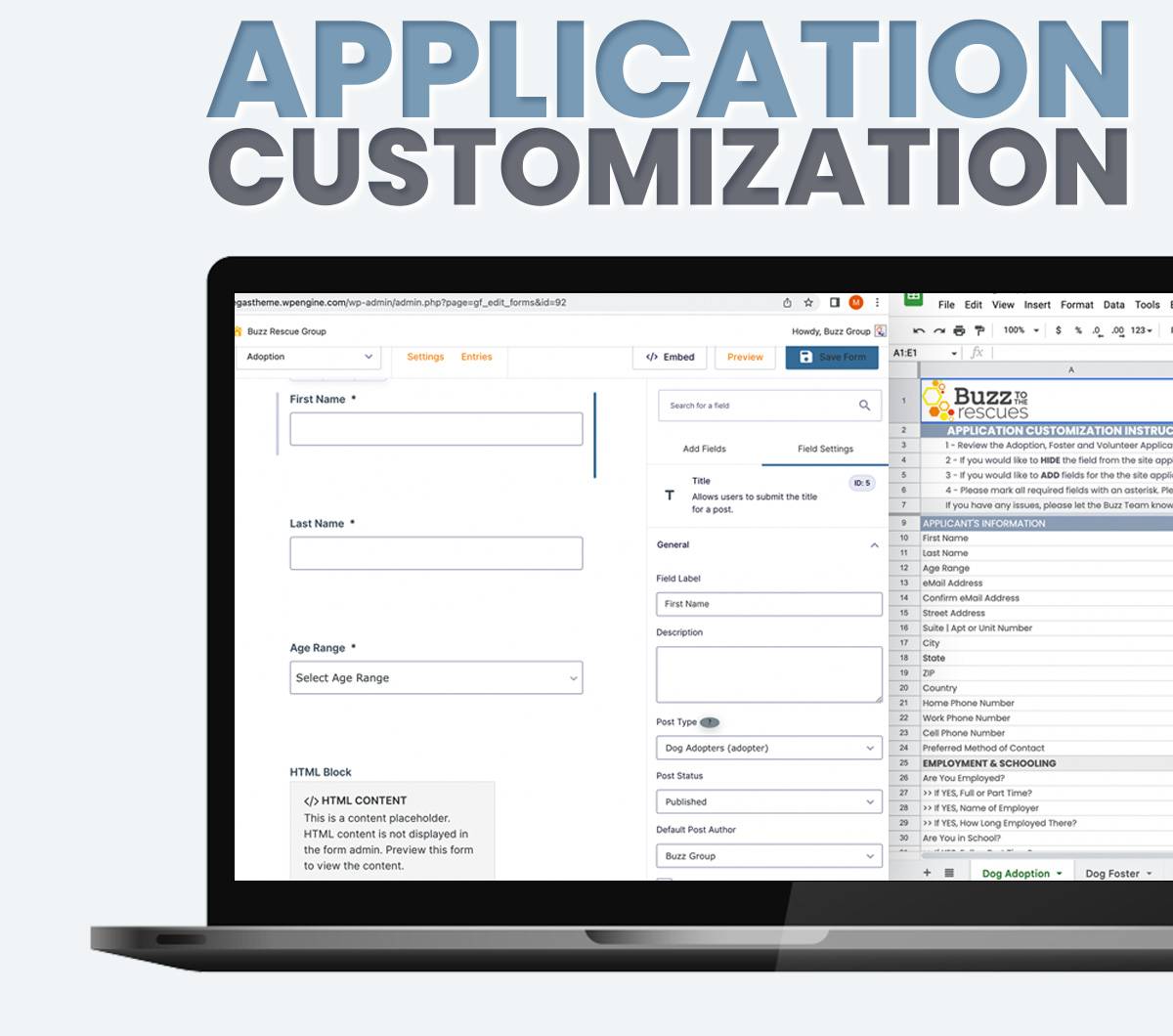
The Buzz Team will completely customize your Adoption, Foster and Volunteer Applications.

This step is simple and should not take long. All we need to complete this task is for you to share your current Adoption, Foster and Volunteer applications.  

 When onboarding, we’ll provide a spreadsheet like the one below. You’ll share the fields you want applicants to fill out, and voila - you’re done! Simply follow the instructions you find at the top of each sheet and check the box on the last sheet to let us know when you’re done.  

 Need any help? Refer to one of our helpful onboarding videos for further instruction, or email us for direct assistance.

AppCustomization

Data

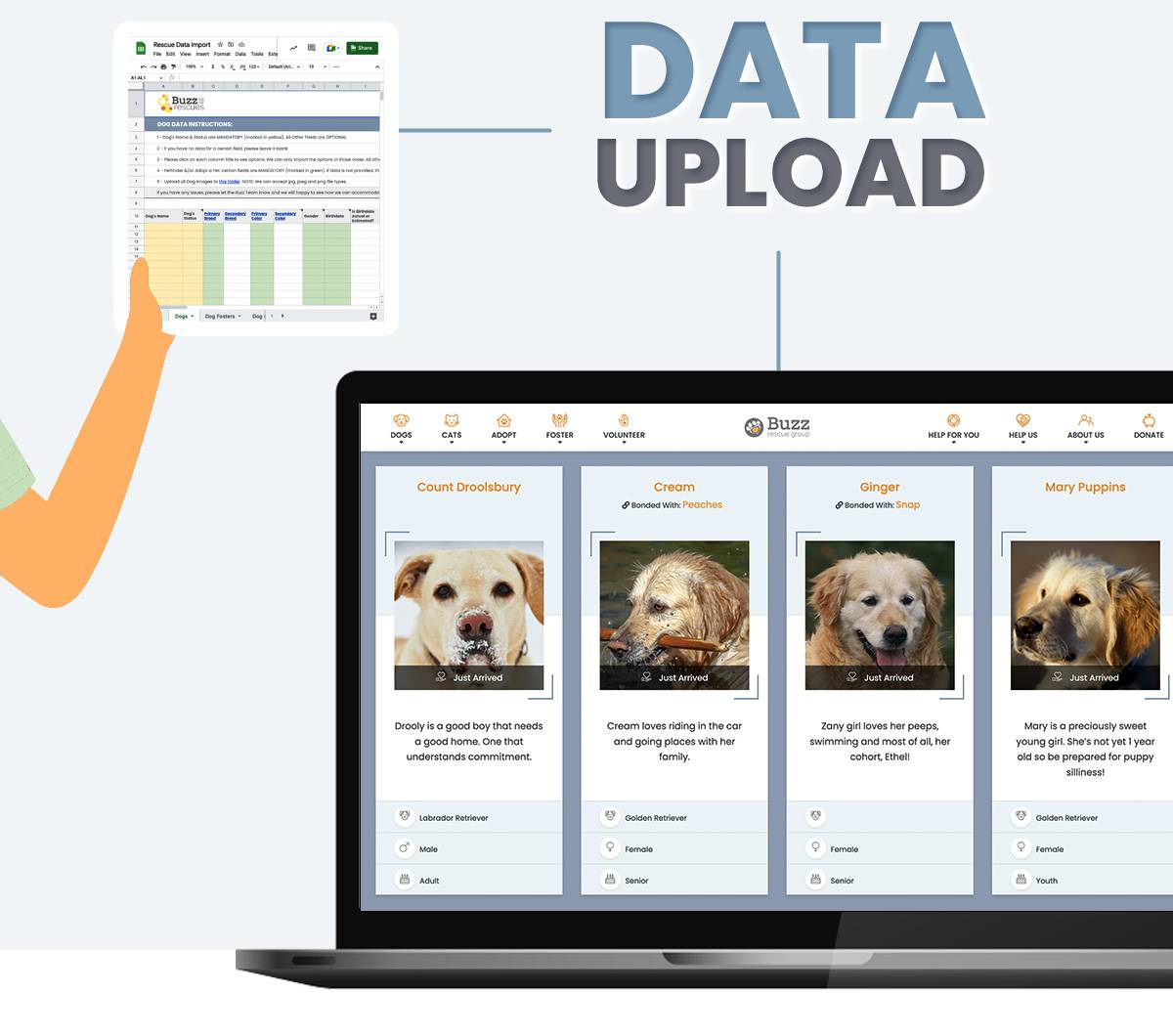
We will import your Animals, Adopters, Fosters, & Volunteers.

Transferring your existing data into Buzz is a breeze. Just like with your Applications, once we receive your Data in our spreadsheets, our team will import it and upload it to your new site so you can hit the ground running.
 

To help you do so, we have created step-by-step instructions that are easy to follow. As long as we know which software you are migrating from, we can provide the documents and assistance you need to get started. 

 The Buzz Team will also review all spreadsheets prior to launch to ensure the data has been entered correctly. 

data

Training

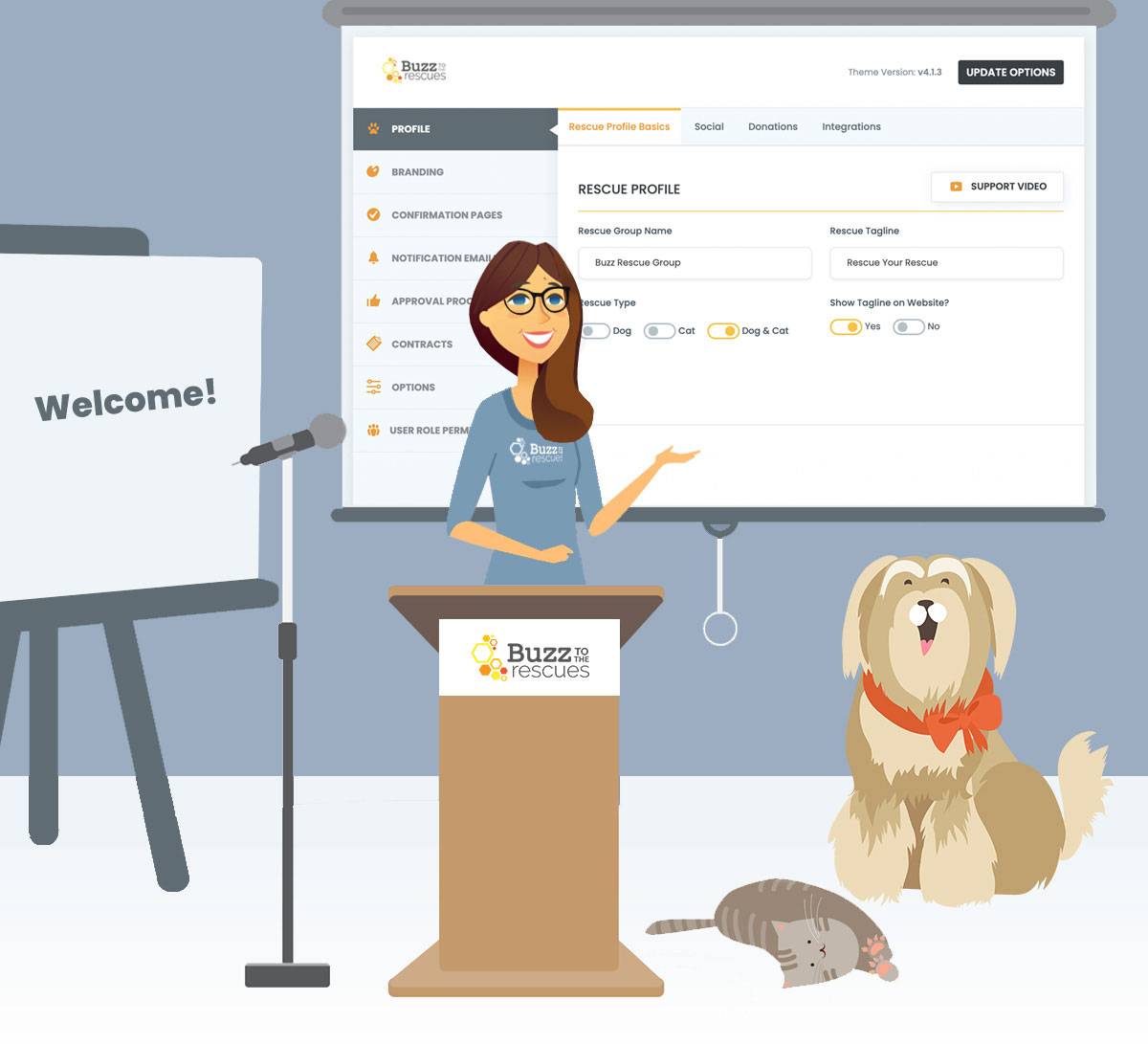
Now that we're getting close launch, let's make sure your team is trained!

We offer two types of training sessions:

  • Train the Trainer:
    This is used by organizations that have more than 20 people.
    We recommend that directors or team leaders in each area of your organization learn their roles and responsibilities in Buzz so they can effectively train other team members.
  • All Team Training:
    This is used by organizations that have fewer than 20 people.
    We suggest that all members of your organization attend and learn their workflows in the software.

Each training session will be recorded and provided to the Director for members who cannot attend the training session. Each session runs for approximately 45 minutes.

Buzz-Training

Launch

We cannot make your site live without you!

In order to activate your new website, we need to point your domain to the new site files on the Buzz server. This is a simple process that the Buzz Team will do for you. 

Needed Access

Buzz requires the following to complete the process: 

 Name and link to your domain hosting company
(IE: GoDaddy, Network Solutions, HostGator) 

 Technical Access to that account 

 Access to the person in your organization on the day of launch in case there are security codes that we need. 

 Please Note: Our Team is only authorized to point domains from the domain hosting companies listed above. If you use a different company to host your domain, we can still handle it fairly easily, but you may need to get the hosting company’s helpdesk involved as well. 

launch

WHat Is Happening Behind The Scenes

Step One: Pointing the NameServers

You or the Buzz team will update the NameServers in your Domain Hosting account (GoDaddy, Blue Host, Network Solutions, etc.).

Time: Typically 2-24 hours (NOTE: This period is called Domain or DNS Propagation and refers to the amount of time needed for DNS changes to update across the web. Updating the nameservers of a domain usually takes 0 to 24 hours to take effect, but they are known to take as long as 48 hours to go into full effect.)

Step 2: Securing the site

Once the NameServers have propagated, the Buzz Team will add the SSL certificate to your domains. From the time of propagation until the SSL certificates are installed the site may show a red warning sign to site visitors showing the site is not safe. This will change as soon as the SSL certificate has been installed.

Time: This typically takes approximately 30 minutes.

Ready to start?

We're Ready When You Are!

Have a question?

Click Here to Set up a Quick Call!